The way we edit and transform images is changing rapidly. Traditional photo editing required mastering complex software and spending hours on manual adjustments. Now, image to image AI technology lets you reimagine any photo in seconds — changing styles, enhancing details, and creating entirely new visual interpretations from existing images. Whether you are a designer, marketer, or content creator, understanding how to use these tools effectively can transform your creative workflow.
What Is Image to Image AI and How Does It Work
Image to image AI refers to artificial intelligence models that take an existing image as input and produce a modified or entirely reimagined version as output. Unlike text-to-image generation, which creates visuals from written descriptions alone, image to image processing uses your original photo as a structural guide while applying new styles, textures, lighting, or artistic treatments.
This approach offers a significant advantage: you maintain the composition, proportions, and spatial relationships of your original image while gaining the creative freedom to transform its appearance dramatically. A casual smartphone photo can become a professional illustration. A rough sketch can evolve into a polished rendering. A product photo can be placed into an entirely new environment.
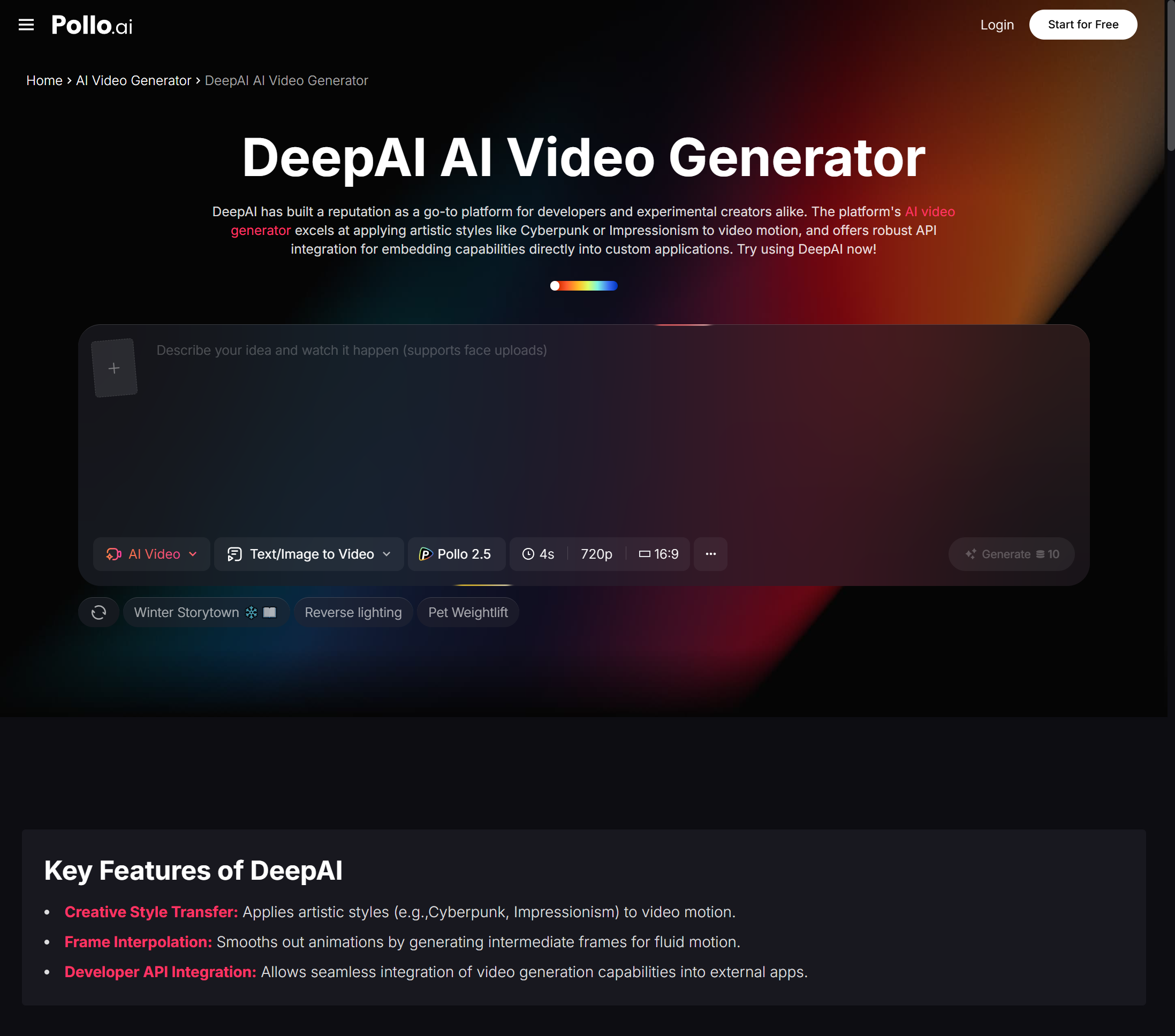
Pollo AI provides a powerful image to image AI platform that makes this technology accessible to everyone. The interface is designed for simplicity — upload your source image, describe the transformation you want, and let the AI handle the technical complexity. There is no steep learning curve or specialized knowledge required to start producing impressive results.
Practical Applications That Save Time and Money
The real value of image to image AI becomes clear when you consider the practical applications across different industries and creative disciplines.
Product photography benefits enormously from this technology. Take a basic product photo against a plain background and transform it into a lifestyle image set in a cozy kitchen, a modern office, or an outdoor patio. Instead of organizing multiple photo shoots in different locations, you generate contextual variations from a single source image. This approach saves thousands of dollars in production costs while providing the visual variety that e-commerce platforms demand.
Graphic designers use image to image AI to accelerate their concept exploration phase. Upload a rough wireframe or sketch, describe the desired visual treatment, and receive polished concept art that can be presented to clients within minutes. This rapid prototyping capability transforms client meetings from abstract discussions into concrete visual conversations.
Social media marketers find particular value in style transfer applications. Take your brand’s existing photography and apply consistent artistic treatments — watercolor effects, vintage film aesthetics, illustrated overlays — to create cohesive visual campaigns that stand out in crowded feeds. The consistency comes from using the same transformation parameters across all your source images, ensuring a unified look without manual editing.
Real estate professionals use image to image AI for virtual staging, transforming empty room photos into furnished, decorated spaces that help potential buyers envision themselves in the property. Interior designers use similar techniques to show clients how different design concepts would look in their actual spaces.
Tips for Getting Professional Results
The quality of your output depends on two factors: the quality of your source image and the clarity of your transformation instructions. Starting with a well-composed, well-lit source photo gives the AI a stronger foundation to work with. Blurry, poorly lit, or heavily compressed source images limit what the AI can achieve.
When describing your desired transformation, be specific about what you want to change and what you want to preserve. If you want to change the background while keeping the subject intact, say so explicitly. If you want to apply an artistic style while maintaining recognizable details, specify the degree of transformation you are looking for.
Experiment with different transformation strengths. Most image to image AI tools, including the one on Pollo AI, allow you to control how dramatically the output differs from the source. Lower strength settings produce subtle enhancements that stay close to the original. Higher settings create more dramatic transformations that may significantly alter the image’s appearance. Finding the right balance for each project is part of the creative process.
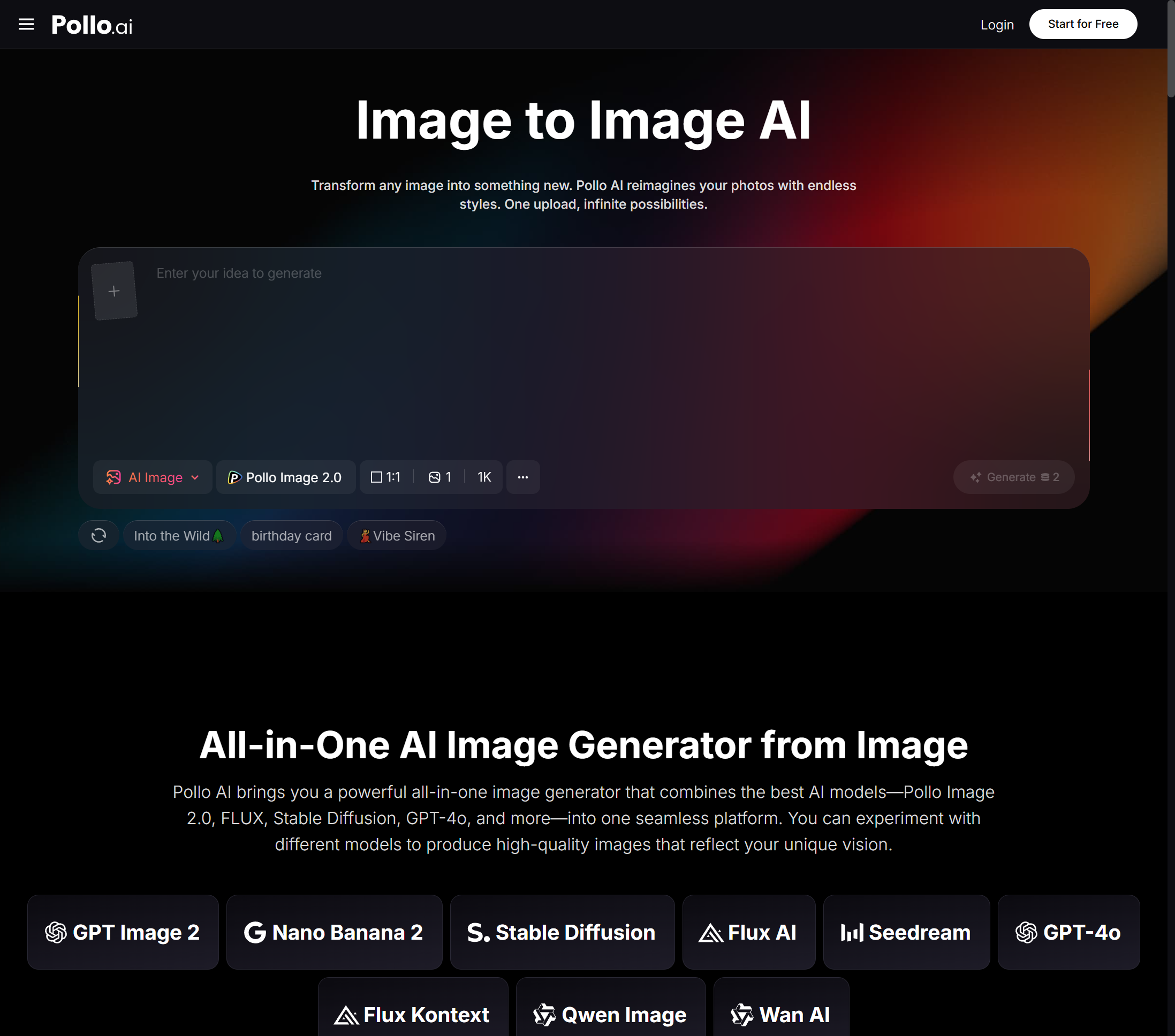
For creators who want to extend their transformed images into video and animated content, DeepAI available through Pollo AI offers additional AI-powered creative capabilities that complement the image to image workflow. This combination allows you to take a single source image through multiple creative stages — from transformation to animation — within one ecosystem.
Building an Efficient Image to Image Workflow
Develop a systematic approach to maximize your productivity with image to image AI. Start by organizing your source images into categories based on intended use — product photos, brand imagery, social media content, and client projects. For each category, create transformation templates that define your preferred style parameters, strength settings, and descriptive language.
Batch processing is your friend. Rather than transforming images one at a time, prepare a set of source images and process them in sequence using consistent transformation instructions. This approach ensures visual consistency across your outputs and reduces the time spent on individual adjustments.
Document your most successful transformations. Save the source image, the transformation prompt, and the output together so you can replicate successful results in the future. Pollo AI’s platform supports this documentation through its generation history, building a personal library of proven transformation recipes.
Why Image to Image AI Matters for Your Creative Future
The technology behind image to image AI is advancing rapidly, and the gap between AI-transformed images and professionally edited photos continues to narrow. Creators who develop proficiency with these tools now will have a significant advantage as the technology matures and becomes standard practice across creative industries.
Pollo AI makes this learning process accessible and enjoyable. The platform’s intuitive interface removes technical barriers, letting you focus on creative exploration rather than software configuration. Whether you are transforming product photos for your e-commerce store, creating artistic variations of your photography portfolio, or generating visual concepts for client presentations, image to image AI on Pollo AI provides the tools you need to work faster, more creatively, and more efficiently than ever before.